
Duet for HP1.0.5 - Google Play
You'll be able to see results in few seconds.
Publisher Description
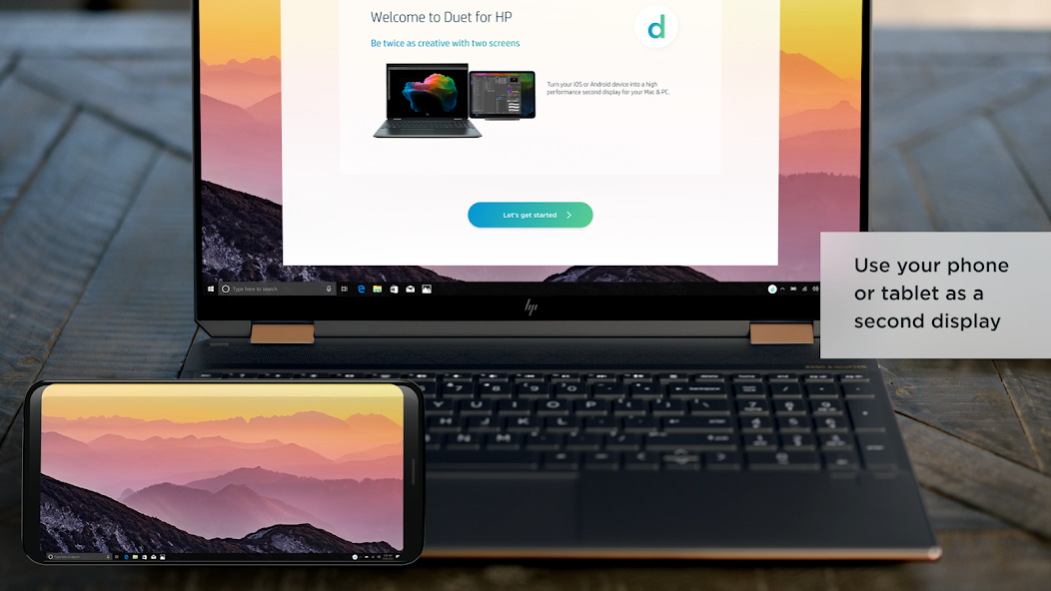
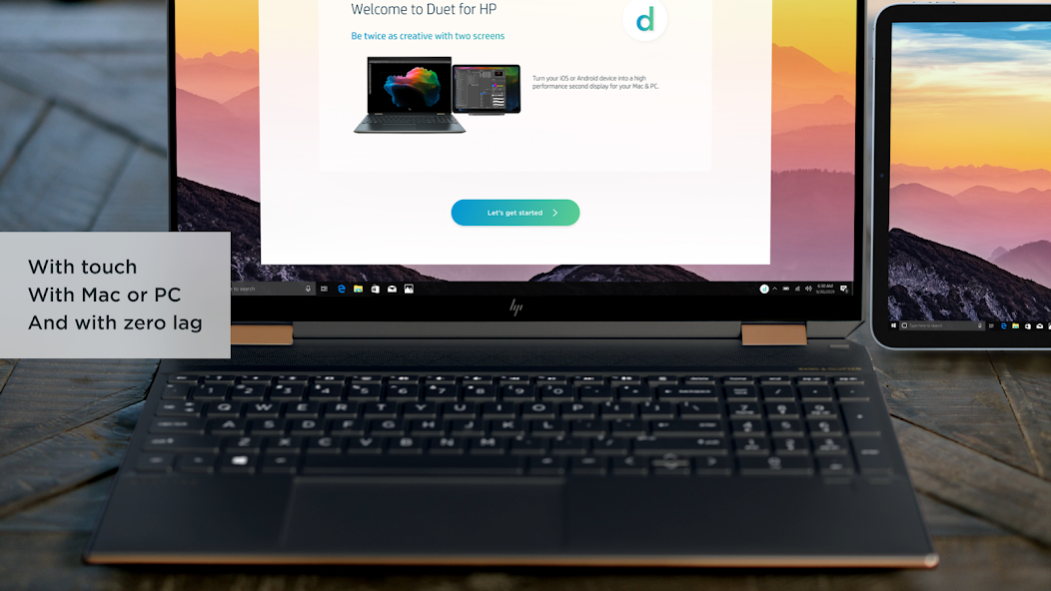
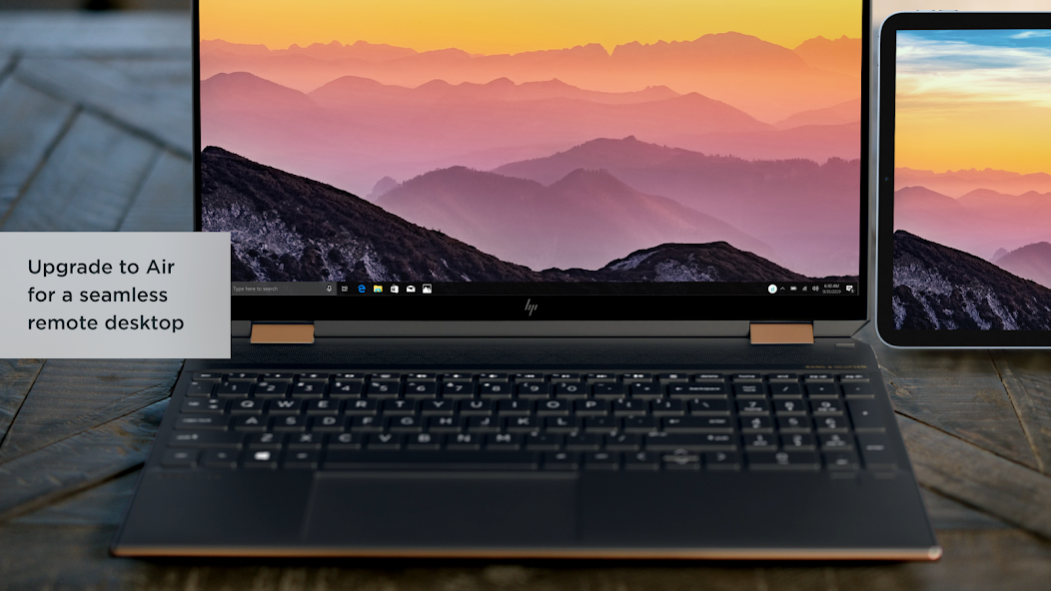

Duet for HP turns your Android phone, tablet, or Chromebook into the most advanced extra display for both Mac & PC. Developed by a team of ex-Apple engineers, Duet offers unparalleled performance and display quality - all with zero lag.
— DO MORE —
Be twice as productive by multitasking with two screens. And for those that travel, have a portable way to stay productive.
— INCREDIBLY SIMPLE —
To get started, open Duet on your device and the free Duet desktop app will automatically detect your device that you can click to connect, and transform it into a high performance touchscreen display.
— TOUCHSCREEN —
Interact with Mac & PC like never before, with touch & gestures, including two-finger scrolling, pan and zoom.
And with our latest release, you can even add a touch bar to any Android with any Mac.
— PRESS —
TIME - "Getting Work Done Faster and More Efficiently"
Forbes - "The simple thing to note is this...Duet Display works."
Business Insider - "Zero lag and true retina resolution”
Wall Street Journal - “It’s as easy as just plugging it in"
— REVIEWS —
“Awesome! My iPad Pro can be an extra monitor! Cool app”
~CEO of T-Mobile, John Legere
Duet Works With:
All Androids with 7.0+
All Macs with 10.14 (Mojave) and later
All PCs with Windows 10 and later
Duet Display uses the Android Accessibility service to display your Mac or PC content on the Android device.
Learn more at http://www.duetdisplay.com
Terms: https://help.duetdisplay.com/duet-terms-services
Privacy Policy: https://help.duetdisplay.com/duet-privacy-policy
About Duet for HP
The company that develops Duet for HP is Duet, Inc.. The latest version released by its developer is 1.0.5.
To install Duet for HP on your Android device, just click the green Continue To App button above to start the installation process. The app is listed on our website since 2023-03-01 and was downloaded 0 times. We have already checked if the download link is safe, however for your own protection we recommend that you scan the downloaded app with your antivirus. Your antivirus may detect the Duet for HP as malware as malware if the download link to com.kairos.duetHP is broken.
How to install Duet for HP on your Android device:
- Click on the Continue To App button on our website. This will redirect you to Google Play.
- Once the Duet for HP is shown in the Google Play listing of your Android device, you can start its download and installation. Tap on the Install button located below the search bar and to the right of the app icon.
- A pop-up window with the permissions required by Duet for HP will be shown. Click on Accept to continue the process.
- Duet for HP will be downloaded onto your device, displaying a progress. Once the download completes, the installation will start and you'll get a notification after the installation is finished.
Program Details
System requirements
Download information
Pricing
Version History
version 1.0.5
posted on 2023-03-01
New sign in and registration process
Stability improvements
Disclaimer
Official Google Play Link
We do not host Duet for HP on our servers. We did not scan it for viruses, adware, spyware or other type of malware. This app is hosted by Google and passed their terms and conditions to be listed there. We recommend caution when installing it.
The Google Play link for Duet for HP is provided to you by apps112.com without any warranties, representations or guarantees of any kind, so access it at your own risk.
If you have questions regarding this particular app contact the publisher directly. For questions about the functionalities of apps112.com contact us.
